Animated cursor files contain an animated mouse pointer like this one: and are recognized natively by Windows.
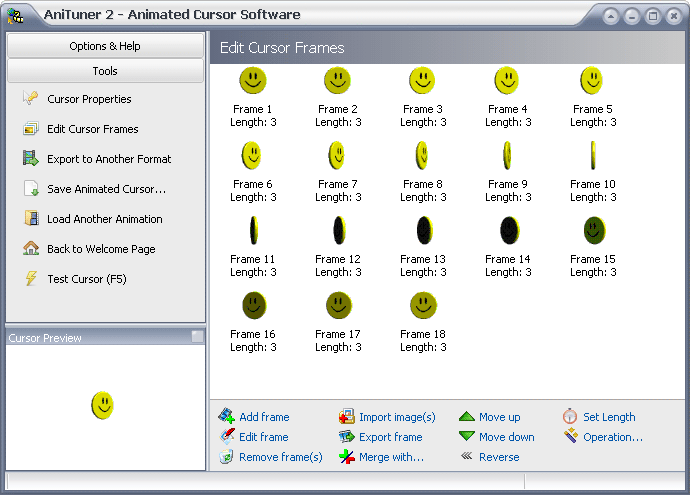

Make animated cursors from animated GIF
Generate animated cursors from animated GIF, AVI clips, bitmap strips, or by importing existing image files (BMP, JPEG, PNG, GIF, PSD, ICO, CUR) as cursor frames.

Convert cursors to animated GIF and other formats
Create animated GIF, AVI clips, Adobe Flash movies, bitmap strips from animated cursors or any other image set.

Edit animated cursors and transform them
Resize and edit frames, set frame duration, change color depth, create 32-bit cursors with partial transparency (alpha channel),
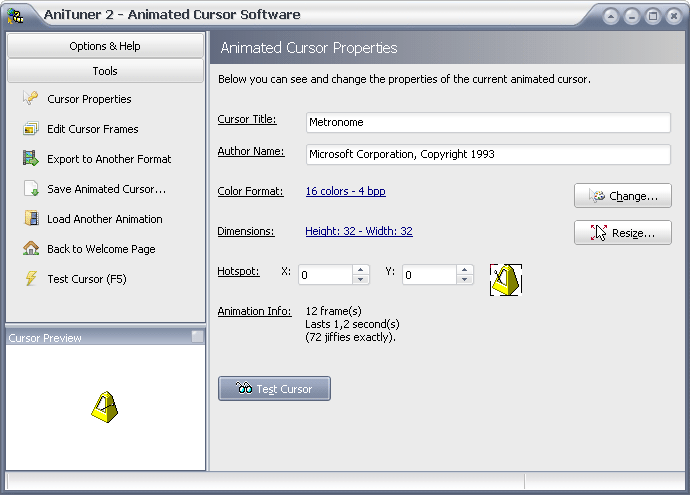

 Create personalized animated cursors and animated GIF for your web pages and blogs.
 Customize your Windows mouse pointers or put funny animated images, emoticons and smileys in your emails, messages, IM…
 Programmers can also use animated cursors in their applications.