
Download free animated cursor editor AniTuner
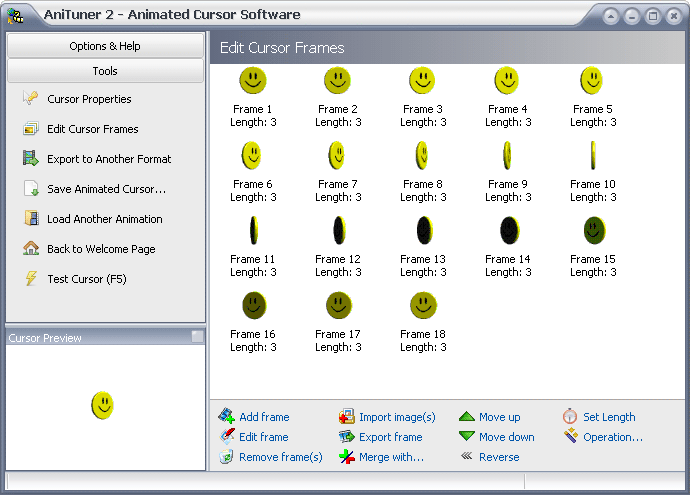
Create, edit and convert animated cursor for Windows (.ani files) and animations, so you can use them in web pages, blogs, discussions, emails, video clips, presentations and applications.
Please select the edition you want to download: portable edition (no installation is required: it can be run directly from any storage device) or with a standard installer.
Select one of these buttons to download AniTuner to your computer:
Download Mirror 1 Download Mirror 2
|
Once your download is complete, run the Setup package ANISETUP.EXE (this is a Windows Self-Installing executable file built with Paquet Builder) and follow the instructions displayed step-by-step by the Setup Wizard.
Click this button to download AniTuner portable to your computer:
|
Once your download is complete, run the Self-Extracting archive and follow the instructions displayed.
Click this button to download AniTuner portable (in Zip archive) to your computer:
|
Once your download is complete, unpack the Zip archive (using 7-Zip or any other archiving utility) to the folder of your choice. Further instructions are in the Readme.txt file.
AniTuner requires Microsoft Windows® 10, 8, 7, Vista, XP, 2008, 2003, 2000, ME, 98, 95 or higher.
If you have the Portable edition, you just need to remove the folder where you copied AniTuner. More instructions in the Readme.txt file.
Otherwise, to uninstall AniTuner, select the Add/Remove Programs icon in the Windows Control Panel, then highlight AniTuner and click on Remove or Maintenance (it may change with different versions of Windows).
Note: please be sure to quit all applications before removing AniTuner.
