
XLS Padlock 2026.2 Released
XLS Padlock 2026.2 is available as of September 4, 2026. It is the second maintenance update of the 2026 line, following 2026.1 in July, and it is an important one: it repairs a calculation problem that could silently affect protected formulas, ends a long-standing crash when a Windows file dialog opened, and adds a new option for anyone signing their EXE with Azure Artifact Signing.
We recommend this update to every customer with active maintenance. Most of the fixes live in the runtime that is embedded into your protected application, so they only reach your end users once you re-pack and redistribute your workbooks with this release. Your existing activation keys and offline license keys keep working unchanged, and nothing needs to change on your activation server or integration kits.
Protected formulas calculate correctly again
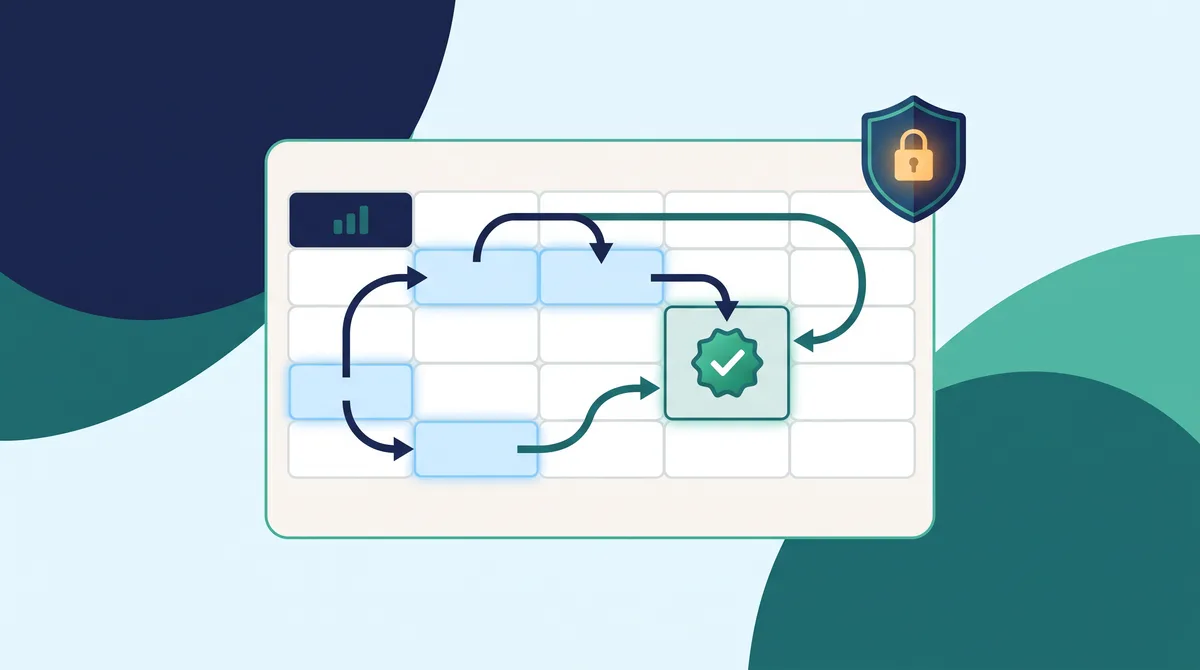
This is the fix that matters most in 2026.2. In applications built with 2026.0 or 2026.1, a protected formula that referenced other cells could return a wrong value that still looked plausible, with no error shown. The compiled workbook was no longer telling Excel which cells the formula depended on, so protected cells could be recalculated in the wrong order.
Detection of those dependencies is also more precise now. Function names containing digits, worksheet names in cross-sheet references, table names in structured references, and text inside quoted strings are no longer mistaken for cell references. Nothing changes in your formulas: simply re-pack with 2026.2 and ship the new EXE. One thing is worth checking, if you had deliberately chosen “No Dependency” for certain cells in 2026.0 or 2026.1, that choice was not saved, so review those cells in the Protect Formulas window.
Two long-standing issues in protected applications, fixed
- On some computers, a protected application, and Excel with it, could close instantly and without any message as soon as a Windows file dialog appeared, for example the secure Save As dialog or Insert > Pictures. It happened more often when certain security software was running. This is fixed, and the secure save dialog is a standard Windows file dialog again.
- An unnamed ribbon tab holding Excel’s Automate commands could still appear next to File even when Office Scripts and Power Automate were turned off on the Cloud and AI page. It is hidden again, as it was before 2026.0.
Both fixes are in the runtime, so re-pack your workbook to apply them to applications that are already deployed.
A new Exclude credentials option for Azure Artifact Signing
Azure Artifact Signing tries several Azure credential types in a fixed order. On some workstations one of them fails early and aborts the whole signing call before the Azure CLI credential, the one you actually authenticated with, is ever reached.
The EXE Code Signing page now offers an optional Exclude credentials field so those credential types can be skipped, with an Exclude all except Azure CLI button that fills in the recommended list. Leaving the field empty keeps exactly the behavior of previous releases. Full details are in How to Code Sign Your EXE File. Two other signing fixes ship in the Designer: the output folder marker is now replaced everywhere it appears in a SignTool command, and the browse button next to the PFX file path opens the file picker again after being broken since 2025.2.
A better translated experience for your end users
- The Web Update wizard, opened by the Check for Updates button or by the automatic check at startup, now appears in the language selected for your protected application instead of staying in English. It uses translations already embedded in your application, so there is nothing extra to translate.
- In the EXE and XPLAPP bundle format, the welcome screen shown when the Launcher is started without its .xplapp file now follows the Windows display language, in any of the 10 supported languages.
Get XLS Padlock 2026.2
If your maintenance is active, XLS Padlock 2026.2 is a free upgrade: install it over your current version and re-pack your workbooks. If your maintenance has expired, you can renew it at a discount from your account.
New to XLS Padlock? Download the free trial to protect a workbook from start to finish, or buy a license when you are ready. The complete list of changes is in the changelog.