
Can VBA be compiled to an EXE?
In This Article
No. Visual Basic for Applications has no compiler that produces a stand-alone program: the VBA language specification defines it as a language used in conjunction with a host application (MS-VBAL). Excel, Word, Access and PowerPoint run your macros; nothing turns them into a program that runs on its own. What can be done is to take the source out of the file, and there are three ways to do that.
What people mean by "compile VBA to an EXE"
Section titled “What people mean by "compile VBA to an EXE"”The question usually hides one of three goals:
- Hide the source. The macros do a job that competitors or customers should not read. The VBA project password does not achieve this: it stores a hash of the password and leaves the code in the file, and free tools remove it in seconds.
- Ship something that cannot be edited. A file where the user cannot open the Visual Basic Editor, change a procedure or copy it to another workbook.
- Sell it. Activation keys, trials, copies tied to one computer, which plain Office files do not offer.
None of these needs an EXE in the sense of a program that runs without Office. All three can be met while the macros keep running inside Excel or Office.
Option 1: compile the workbook with XLS Padlock
Section titled “Option 1: compile the workbook with XLS Padlock”XLS Padlock compiles an Excel workbook, XLS, XLSX, XLSM or XLSB, into a Windows EXE. This is the closest thing to "VBA to EXE" for Excel, with one important point: the EXE opens the workbook in the Microsoft Excel installed on the customer's computer. It needs Excel 2010 or newer for Windows, 32-bit or 64-bit; Excel for Mac and Excel for the web cannot open it.
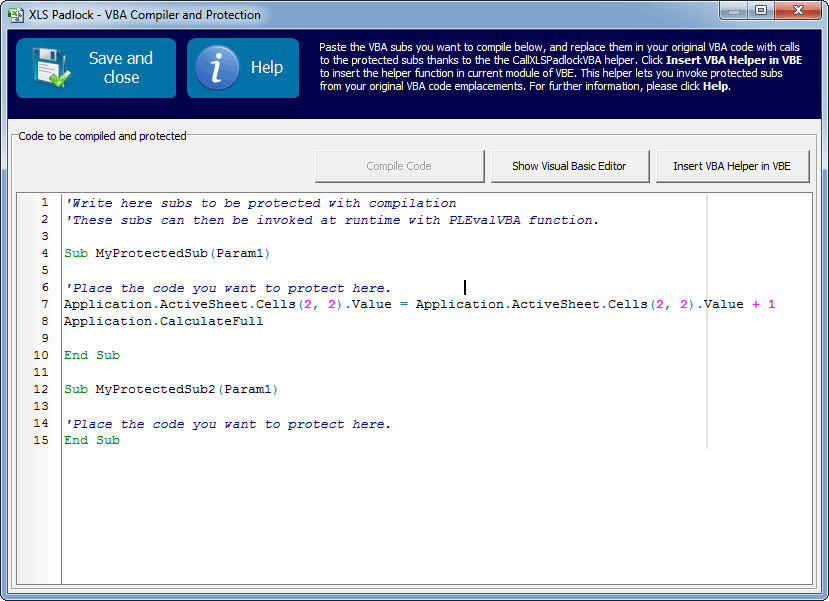
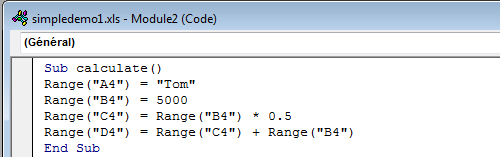
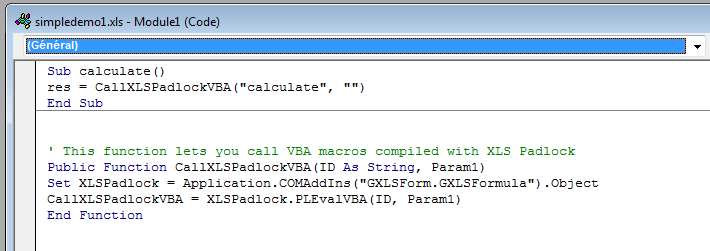
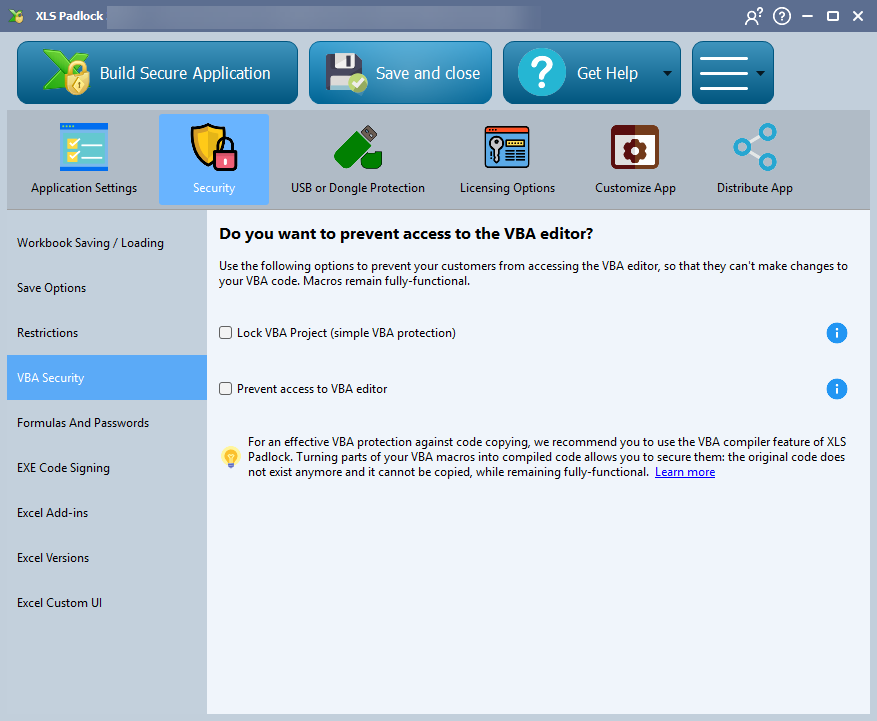
Inside that EXE, the VBA subs and functions you select are compiled to bytecode and their source is removed from the workbook. Each compiled procedure is replaced by a one-line call that dispatches to the bytecode at run time, so your code keeps working with the Excel objects (Range, Application, Workbook), user-defined functions included. UserForm code and worksheet or workbook event handlers stay as regular VBA, since Excel needs them in the project; XLS Padlock can block the Visual Basic Editor so that they cannot be opened either. The workbook itself travels in an encrypted container and never lands on the disk as a plain spreadsheet, formulas can be protected cell by cell, and activation keys, expiry and online activation come with the tool.
Option 2: compile the macros with VBA Padlock
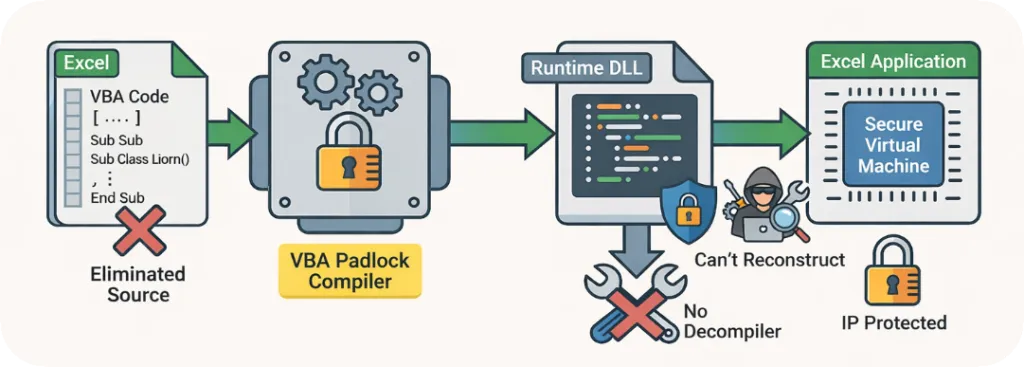
Section titled “Option 2: compile the macros with VBA Padlock”VBA Padlock compiles the VBA of an Excel, Word, Access or PowerPoint file into a native 32-bit and 64-bit DLL. The procedures leave the document as bytecode in the DLL; what stays behind are generated wrapper procedures with the same names and signatures, plus a small bridge that loads the DLL and routes the calls. Forms and document modules stay in the document, because Office needs them there.
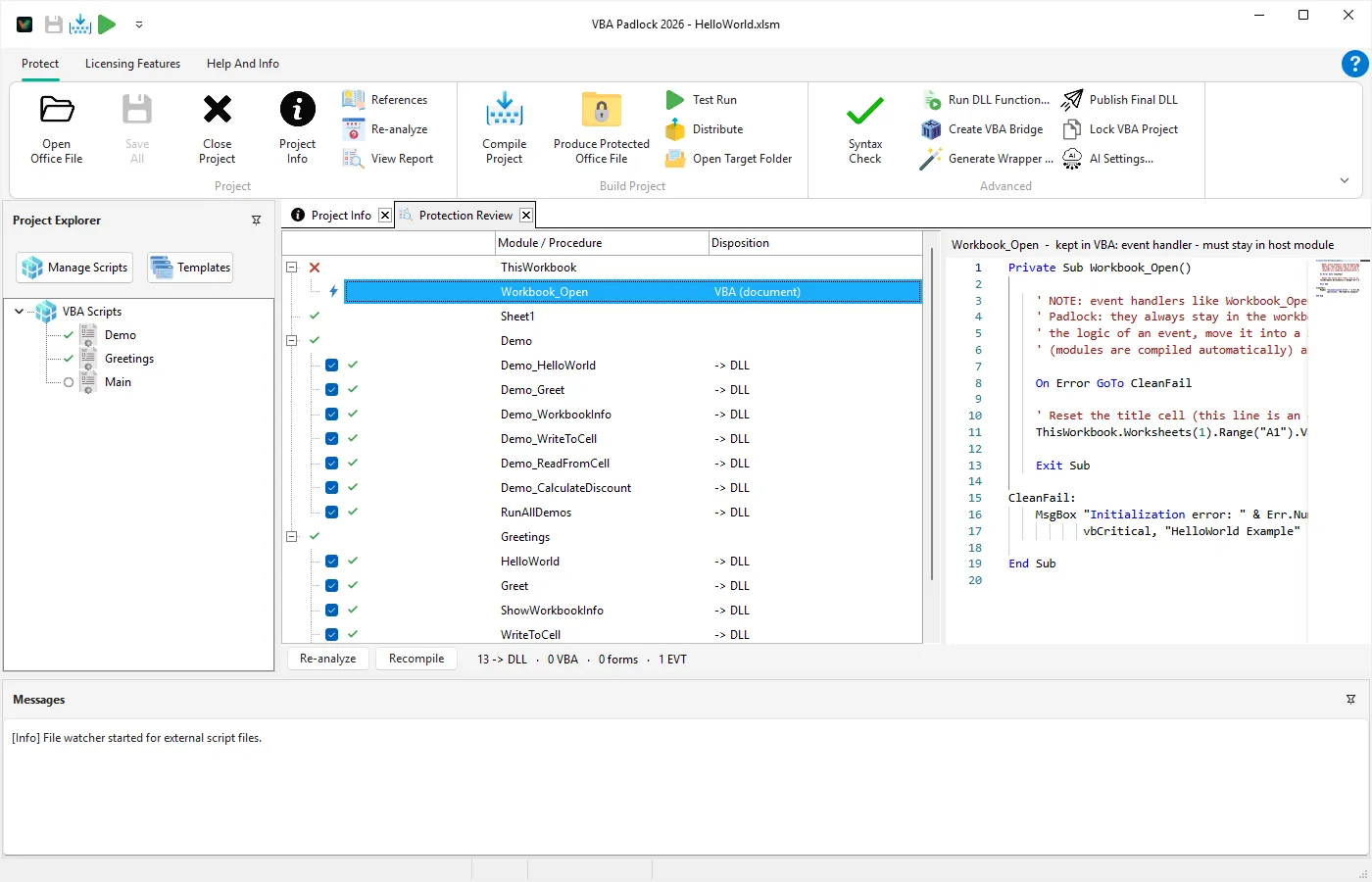
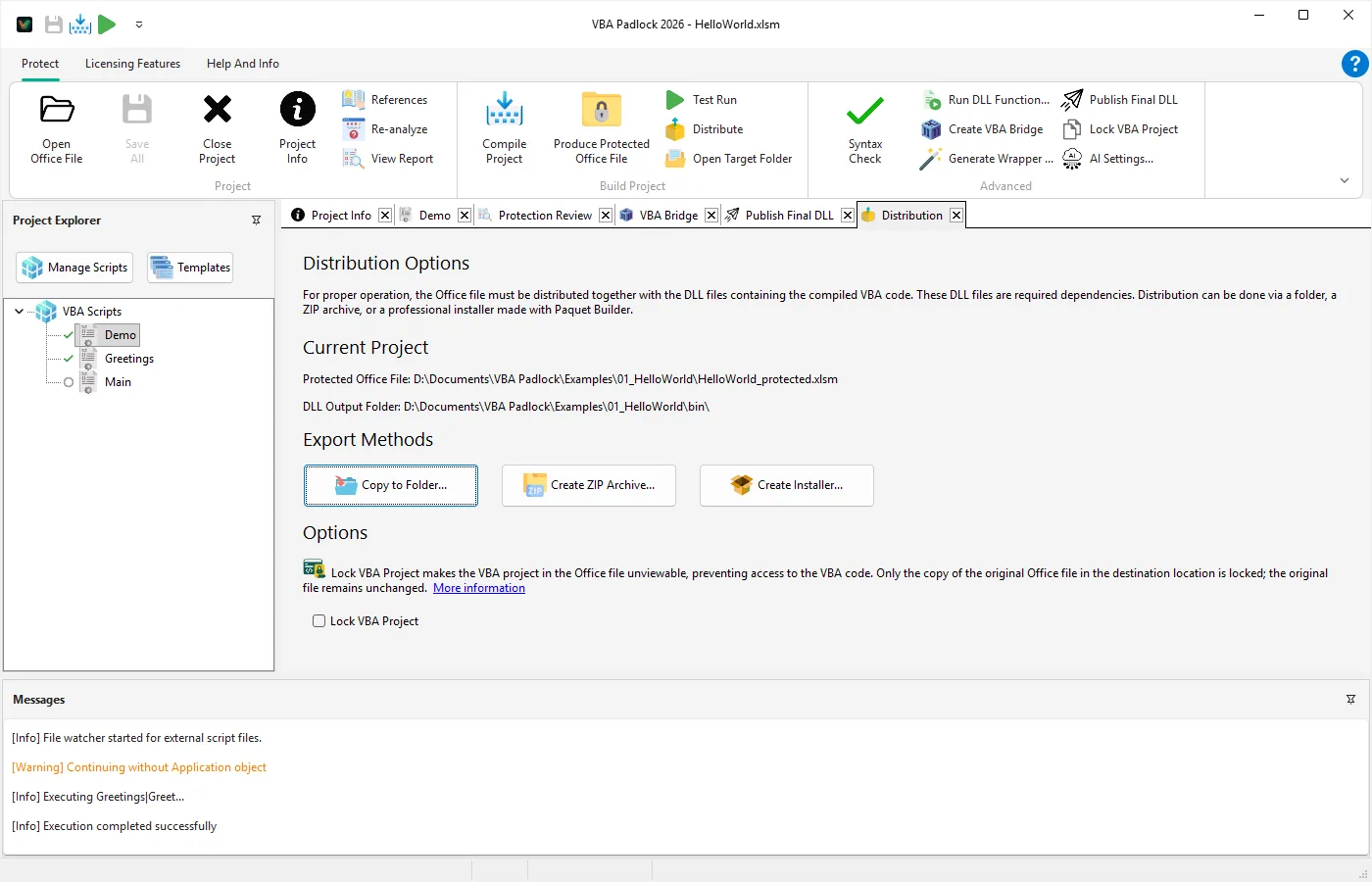
The result is still an Office file, _protected.xlsm for instance, opened the way the customer always opened it, with the DLLs in a bin folder next to it; VBA Padlock Studio packages the protected file with its runtime for distribution. The macros still run inside Office, so Microsoft Office must be installed on the customer's computer. Licensing is built in: hardware-locked keys, trials, subscriptions and time-limited licences, with online activation on a server you run.
Option 3: rewrite it
Section titled “Option 3: rewrite it”A real compiler exists for Visual Basic .NET and C#. Office solutions built in Visual Studio are written in one of those languages against the same Office object models that VBA was designed for (Microsoft Learn, VSTO), as an add-in or as a separate application. This gives you a compiled EXE or DLL, at the cost of rewriting every macro, and the parts that automate Excel still need Excel on the machine.
The three options side by side
Section titled “The three options side by side”| XLS Padlock | VBA Padlock | Rewrite in VB.NET or C# | |
|---|---|---|---|
| Applications | Excel | Excel, Word, Access, PowerPoint | any, with Office interop |
| What you ship | one EXE | the document plus a bin folder of DLLs | an EXE or add-in |
| Code changes | none for subs and functions; forms and events stay VBA | none; forms and document modules stay | everything rewritten |
| Office on the customer's computer | Excel 2010 or newer for Windows | Microsoft Office for Windows | needed for anything that drives Office |
| Licensing | built in | built in | yours to write |