
GSplit 4 Is Here: Our Free File Splitter, Now for Windows and Linux
A CSV too large to open? A log file your text editor struggles with? A file too big to share?
GSplit 4 helps you break large files into manageable pieces. After many requests from our users, our free file splitter returns with a redesigned interface, easier CSV and log splitting, and its first Linux release.
Available now for Windows and Linux. Still completely free.
Big CSV or Log File? Make It Manageable.
A CSV export can exceed Excel's 1,048,576-row worksheet limit. Logs can overwhelm a text editor, and huge files make working with an AI assistant slower and more costly.
GSplit 4 makes it easier to turn them into smaller, usable files:
- Choose your CSV, text or log file.
- Click "Split by lines" to go straight to the right mode.
- Choose how many lines each piece should contain, then start the split.
GSplit keeps each line intact. For CSV files, you can also:
- Keep the column names: repeat the header at the top of every piece, so each one opens as a complete table in your spreadsheet.
- Keep records intact: choose CSV record splitting when quoted fields contain line breaks, so a record is never cut in two.
Need more control? You can also split using a regular expression.
See It in Action
These short video tutorials walk you through the process:
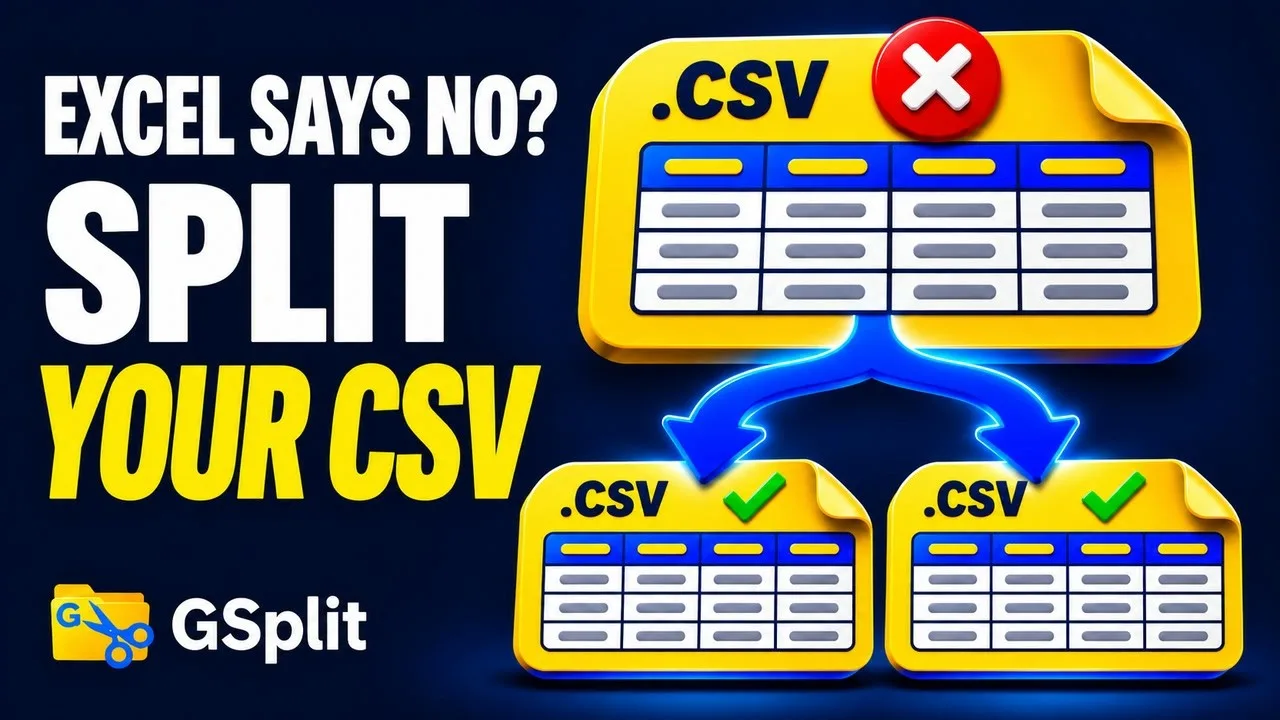
▶ Split a CSV · 2:32 on YouTube

▶ Split a Log File · 2:32 on YouTube
Two more videos show how to split a large file and send it and how to put the pieces back together with GUnite.
Prefer to read? Each tutorial also has an illustrated, step-by-step version in the GSplit documentation.
What's New in GSplit 4
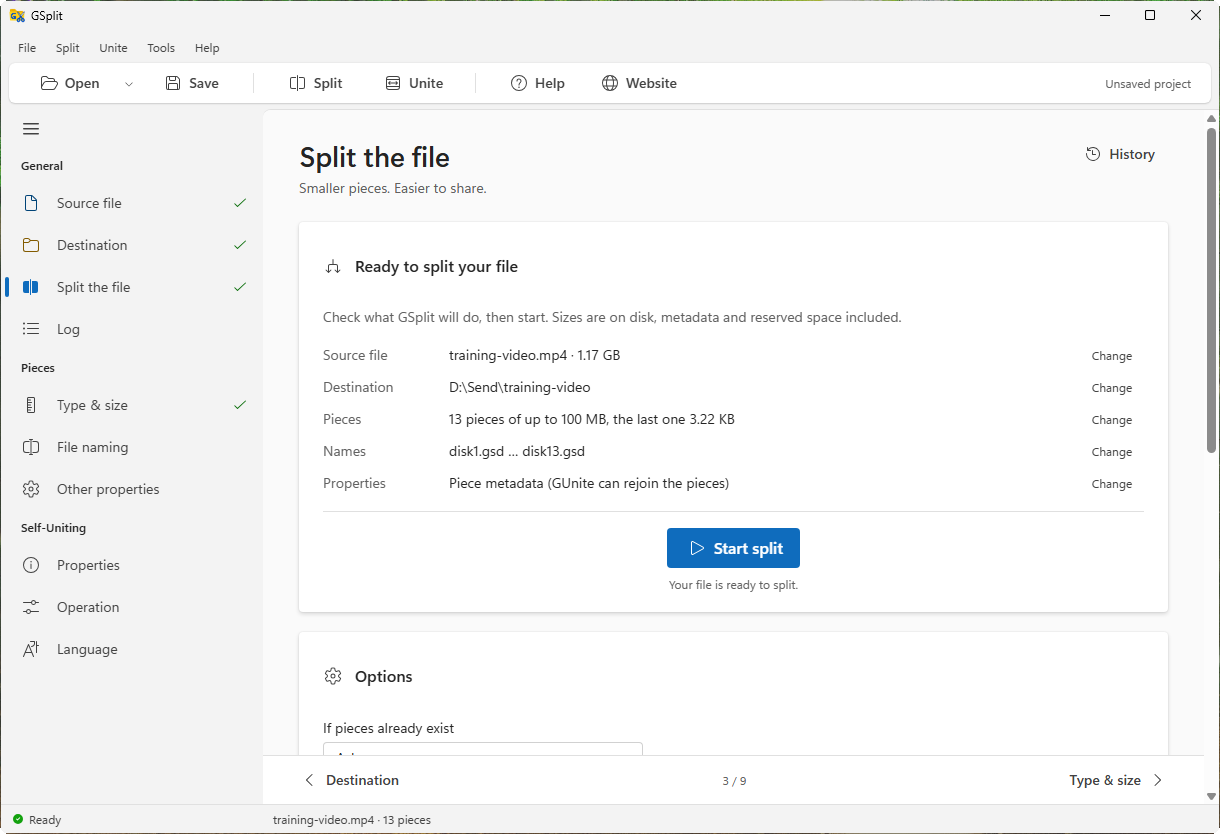
The new Split the file page shows exactly what GSplit will do before you start.
Easier to Use
The interface is brand new, with the familiar General, Pieces and Self-Uniting layout from GSplit 3. Choose a light or dark theme, and work in English or one of eight other languages.
GSplit also integrates with the Explorer context menu, including the new Windows 11 menu.
Easier to Share and Restore
- Restore without installing anything. The new Self-Uniting app places GUnite, a signed program, next to your pieces. Your recipient simply runs it to get the original file back. This replaces GSplit 3's approach of turning the first piece into a self-extracting EXE.
- Check that your file comes back intact. Each piece carries its own checksum, and the set carries the original file's SHA-256, checked when the pieces are reunited.
- Generate file checksums in one read. GSplit calculates CRC-32, MD5 and SHA-256, with a
.sha256file saved next to the pieces.
Ready for Automation
- Use your own scripts:
gsplitcsplits files andgunitecunites them, without opening a window. - Work with AI agents: the included MCP server lets agents split and unite files for you.
For the full list and advice on replacing GSplit 3, see What's new since GSplit 3.
Now on Linux, With macOS Next
Split on Windows. Reunite on Linux. GSplit 4 uses the same engine and piece format on both platforms, so files split on either system can be restored on the other.
Our first Linux release runs on 64-bit computers and provides the same interface as the Windows version. Choose a tarball, Debian package or AppImage; the gsplitc and gunitec consoles and MCP server are included too.
See GSplit on Linux for the requirements and current limits.
A macOS version is next on our list.
A Free Replacement for HJSplit
If you relied on HJSplit, whose official website is no longer online, GSplit offers a free way to keep working with your pieces:
- Unite existing pieces made by HJSplit, 7-Zip, GNU
splitor any earlier GSplit version. - Create plain numbered pieces (
.001,.002and so on), the format used by HJSplit, 7-Zip and Total Commander. These can also be joined withcopy /borcat.
See Older piece formats for the details.
Upgrading from GSplit 3?
GSplit 3 and GUnite 3 cannot open pieces made by GSplit 4. If your recipient still uses GUnite 3, send the Self-Uniting app with the pieces: it includes GUnite 4.
Try GSplit 4 for Free
GSplit 4 runs on 64-bit Windows 7, 10 and 11, and on 64-bit Linux. Check the system requirements, then give it a try:
Tell us how it goes. This is a major release, and the Linux version is brand new. Found a bug or something unexpected? Please contact us: your feedback helps us fix issues and decide what comes next.
If GSplit is useful to you, please share it with friends and colleagues. A big thank you to our donors for helping us keep it free and improving it. If you would like to support its development too, see how to donate.