
 GConvert
Main Viewer
The Main Viewer is the list box where you see all icons extracted from the selected icon source file. The Main Viewer generally is designed to list all 32x32 images (as the Windows Explorer displays), but you can select another size from 16x16, 32x32 or 48x48.
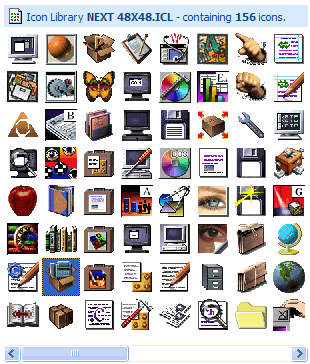
If you need to change the size of the icons, use the command "Edition|Default Size in Main Viewer" and then select the size that you want. The Main Viewer automatically resizes or centers icons that do not fit the current icon size.
Selecting an icon in the Main Viewer will display the associated icon images in the Image Viewer. You must always begin by selecting an icon in the Main Viewer prior doing any other common operation.
Finally you can select several icons using the SHIFT/CTRL keys and the left mouse button. When several icons are highlighted, the Image Viewer will only handle the first selected icon. However some operations like "Library|Remove Icon(s)" or "Batch save icons" (when you click the Save button) fully support multi-selected icons.