 GConvert
Vista icons - icons with PNG compression
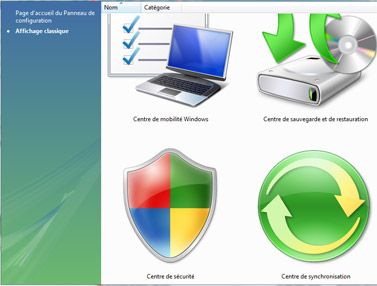
Windows® Vista introduced 256x256 large icons as a solution to prevent icons from appearing tiny on high resolution desktops. You can now configure how icons are displayed (whether you prefer large or small icons); moreover on your desktop, hold down CTRL and scroll the mouse wheel to make desktop icons smaller or to enlarge them. Here is a screenshot with 256x256 icons on Vista:
GConvert manipulates Windows Vista icons without any problem, even if it is not run on Vista. The program also stores Vista icons in icon libraries (ICL) or in DLL files that can be recognized by Windows and other applications.
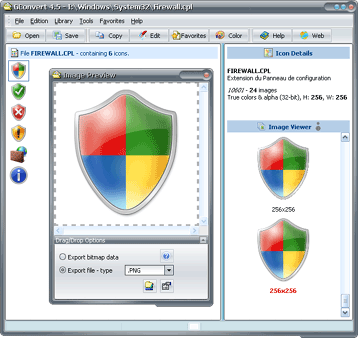
Vista icons should be compressed in order to make them smaller: 256x256 icon images are stored in the PNG (Portable Network Graphic) format while other icon images are stored as traditional bitmap in ICO or other icon resource files. For example, the GConvert.ico (sample shipped with GConvert) takes 146 kb when PNG compression is used, 355 kb otherwise.
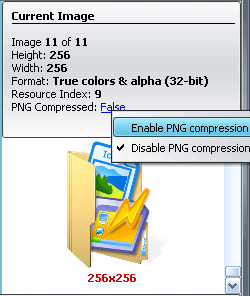
Vista icons are not recognized by previous versions of Windows. Thus GConvert lets you add or remove PNG compression (in the Icon editor) if you would like to make backward-compatible icons:
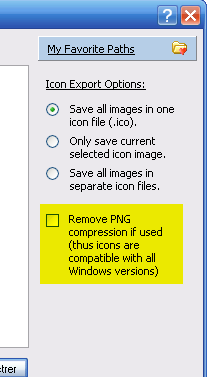
You can also remove PNG compression when saving an icon to an ICO file: