
 GSplit
Inside GSplit 4
Real Windows screenshots of GSplit 4 and GUnite 4 in the light theme. Select an image to enlarge it.
 Enlarge screenshot
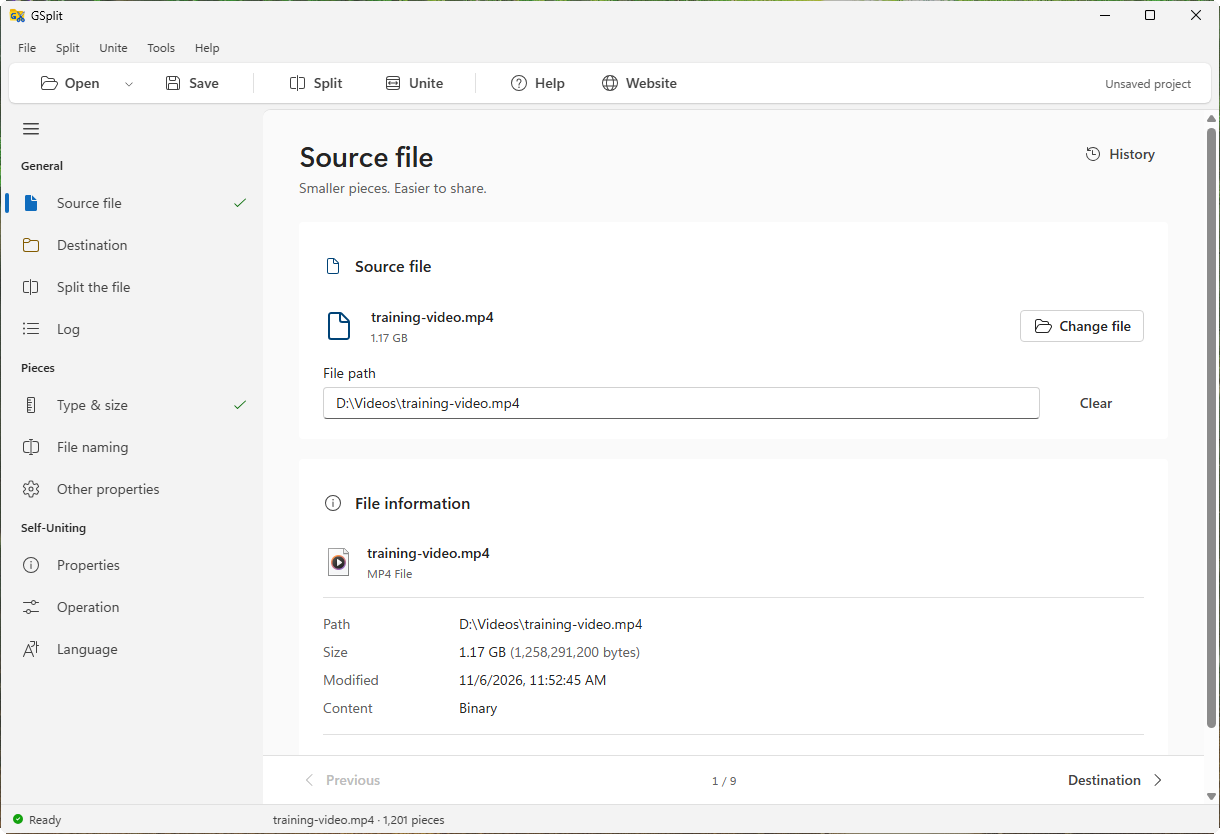
Start with Your File
Choose a video, archive, backup or text file. GSplit shows its size and file information before you split it.
Explore this featureSplit Files Your Way
From a single large video to a batch of logs: choose your file, set the limits and start. Select a screenshot to enlarge it.
 Enlarge screenshot
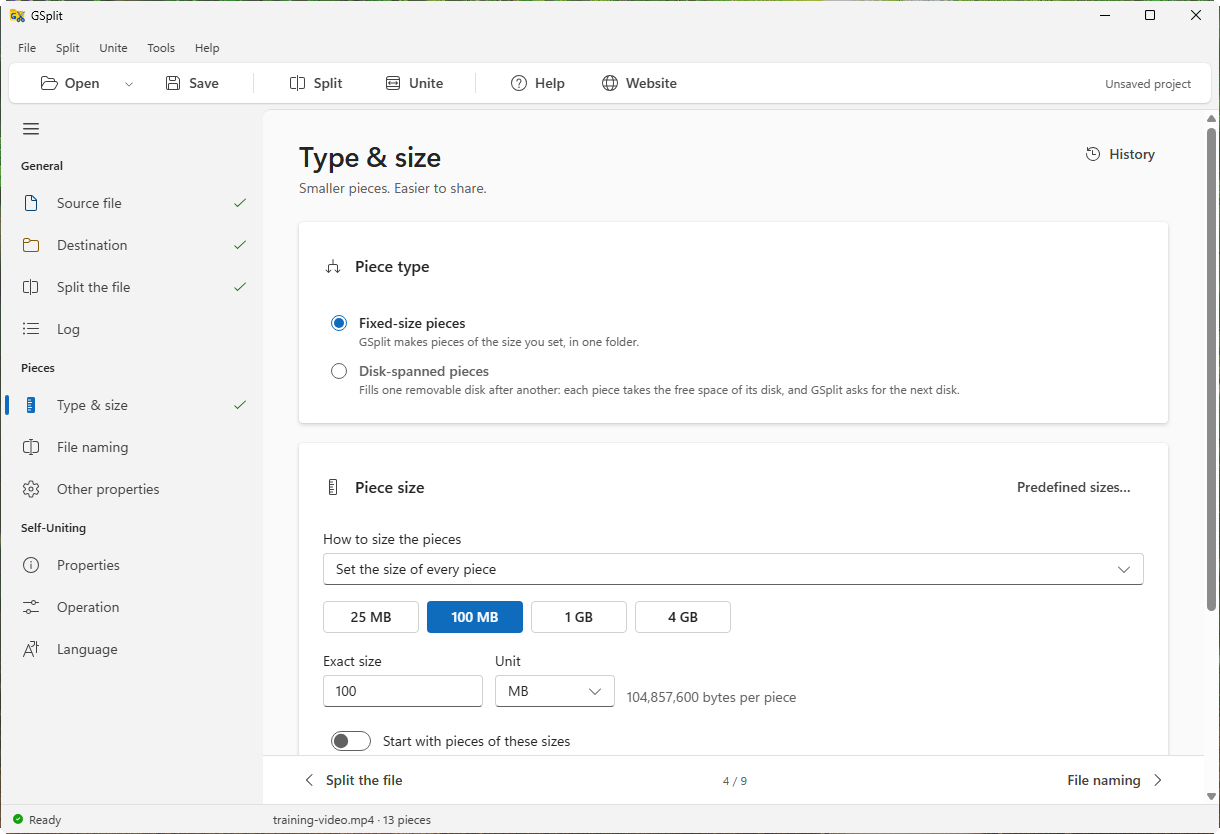
Choose the Right Piece Size
Use a quick size, enter an exact limit or choose how many pieces you need. See the estimated result before you start.
Explore this feature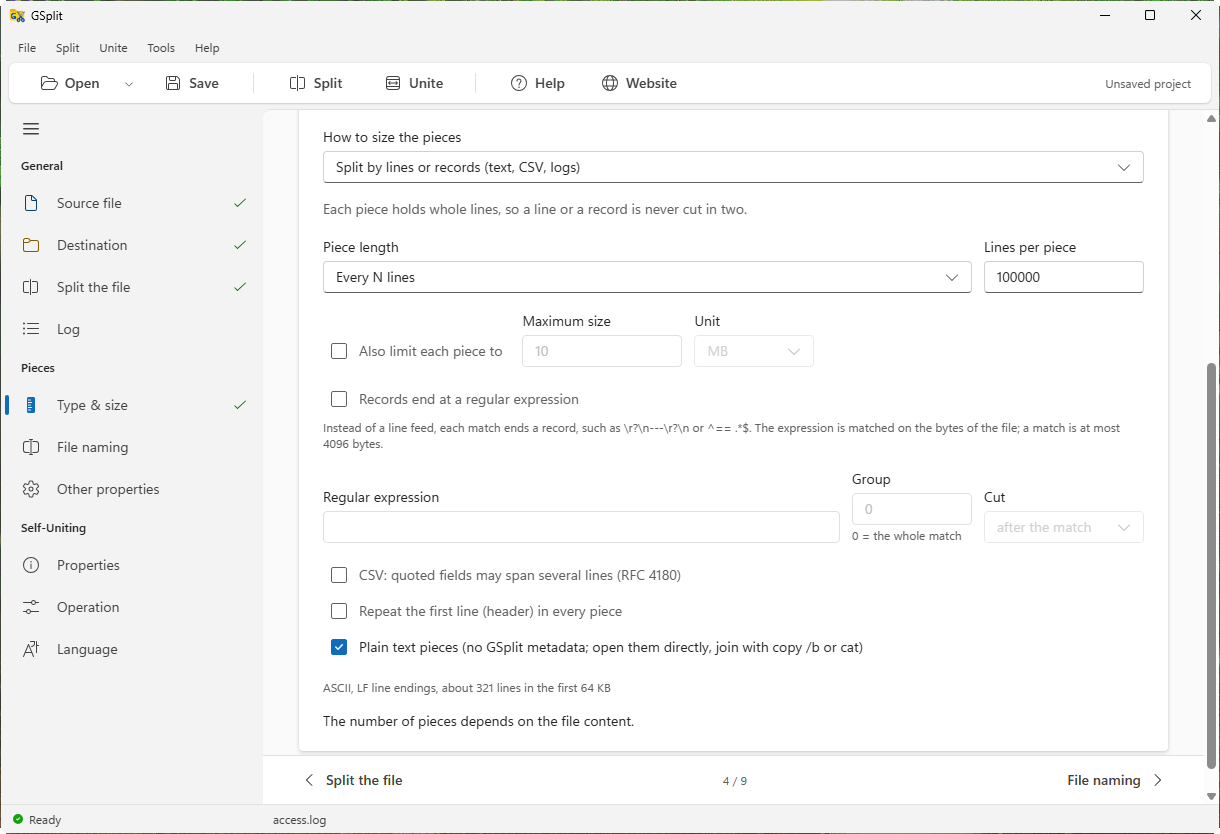 Enlarge screenshot
Keep Text and CSV Records Together
Split logs by whole lines, preserve CSV records with quoted line breaks and repeat the header in each piece.
Explore this feature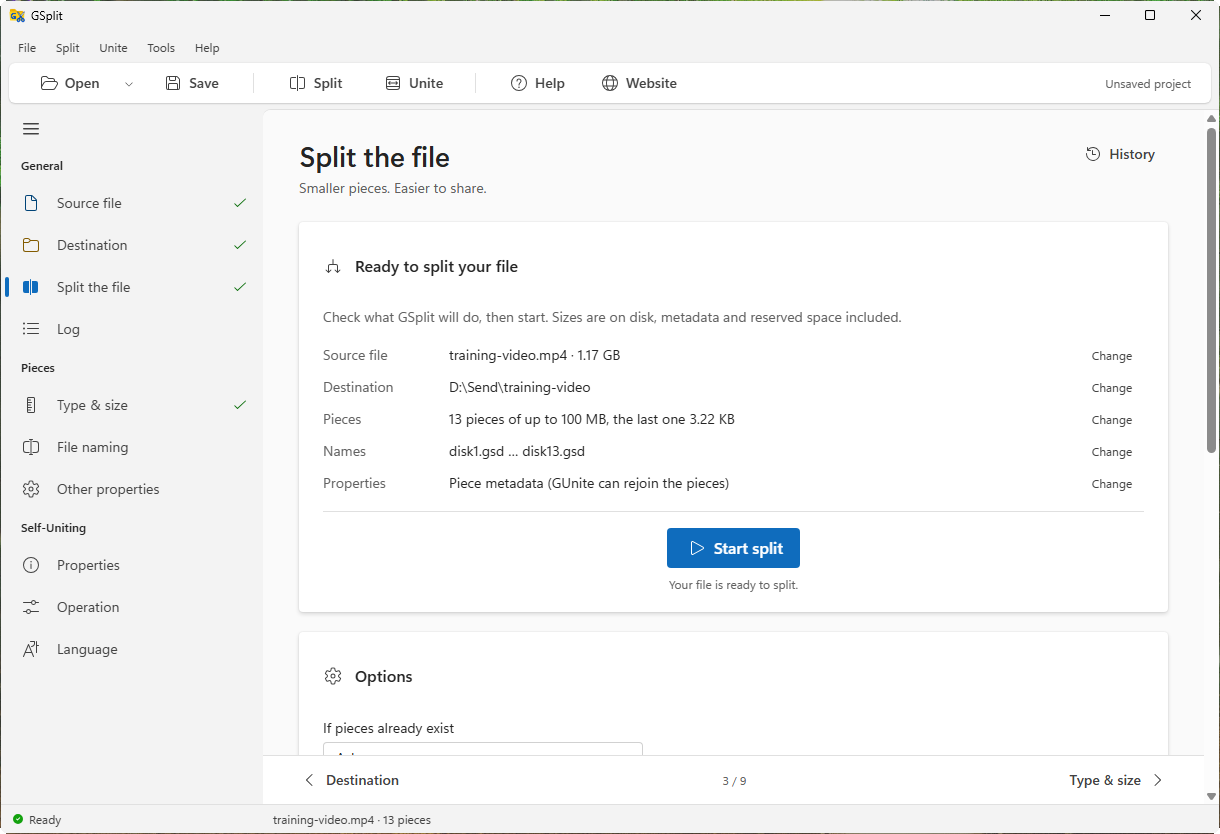 Enlarge screenshot
Review and Run Your Split
Check your source, destination and piece settings in one place, then start the split and follow its progress.
Explore this feature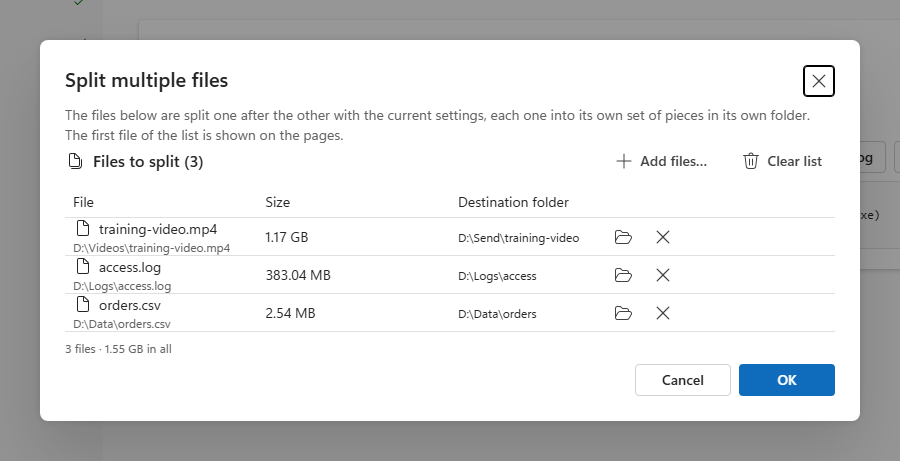 Enlarge screenshot
Work Through Several Files
Prepare a list of files to split one after another, using the same settings.
Explore this featureFrom Pieces Back to the Original
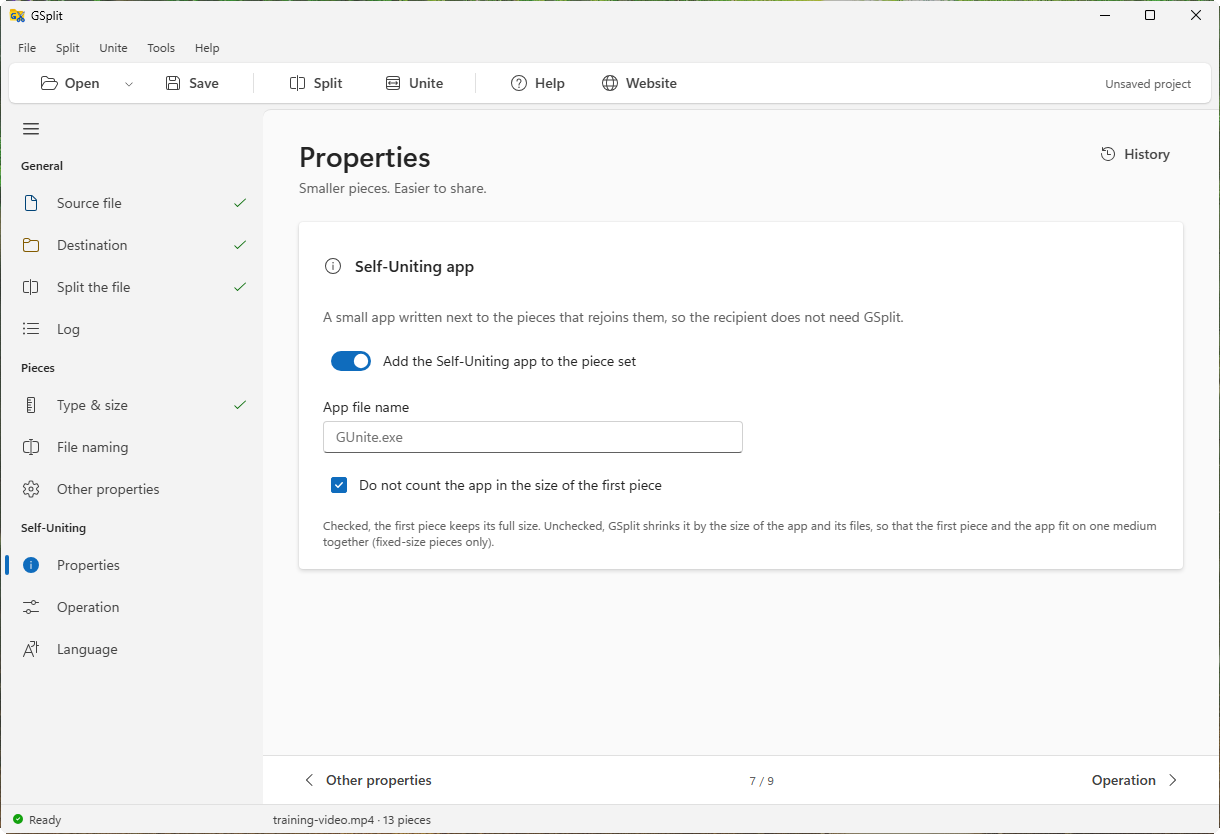
See both sides of sharing: the options you choose and the window your recipient opens. Select a screenshot to enlarge it.
 Enlarge screenshot
Prepare a Self-Uniting App
Include the GUnite companion with your pieces and choose the messages your recipient will see.
Explore this feature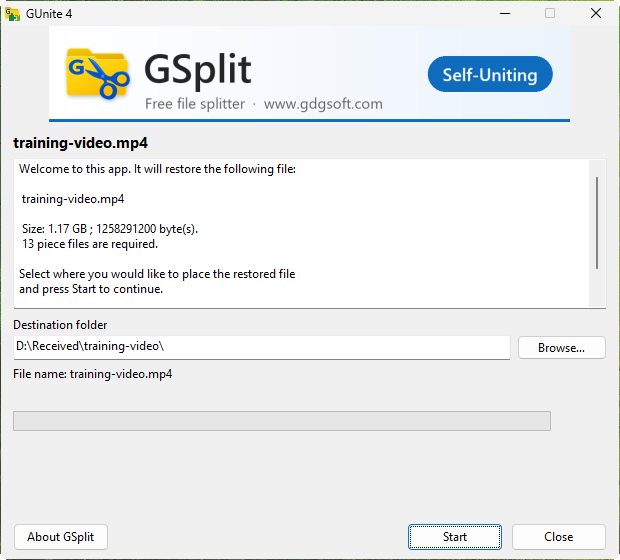 Enlarge screenshot
Make Receiving a File Simple
Your recipient opens the companion, chooses a destination and clicks Start. There is no software to install.
Explore this feature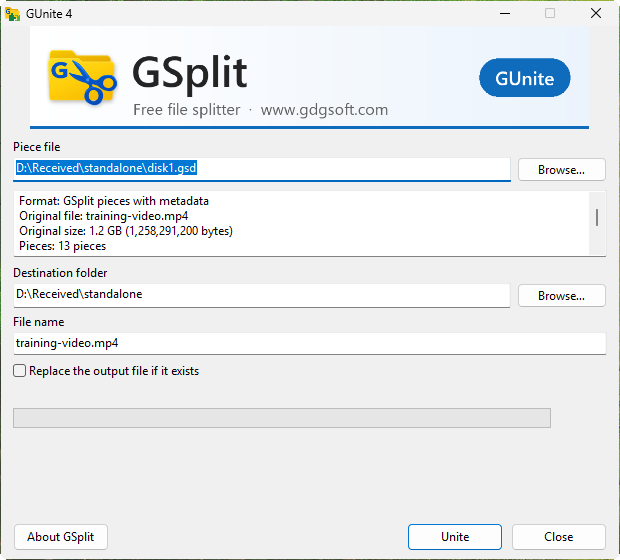 Enlarge screenshot
Restore with GUnite 4
Open a piece, inspect the detected set and restore it. GUnite also reads pieces created with earlier versions.
Explore this feature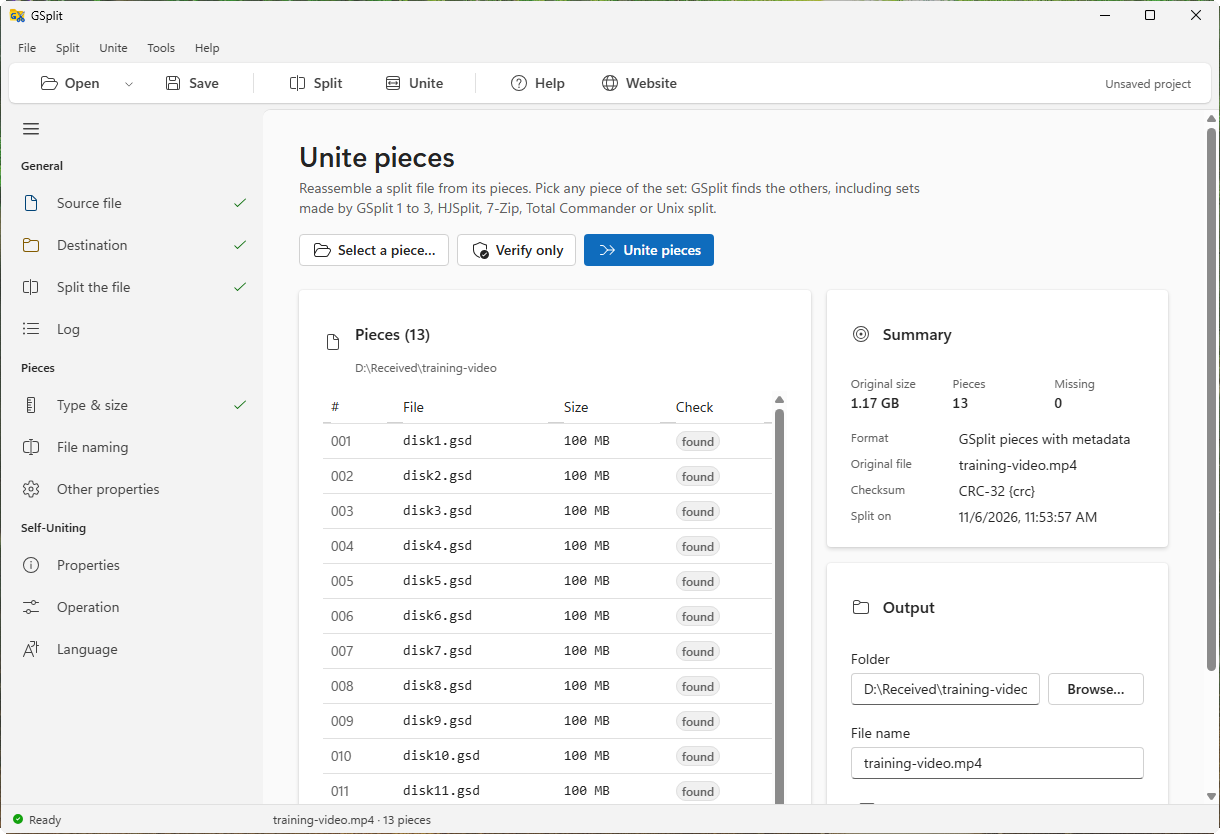 Enlarge screenshot
Unite Inside GSplit
Restore a file or verify its pieces from the main application, on Windows or Linux.
Explore this featureA Closer Look at Your Files
Inspect pieces, compute checksums and adjust GSplit to your workflow. Select a screenshot to enlarge it.
 Enlarge screenshot
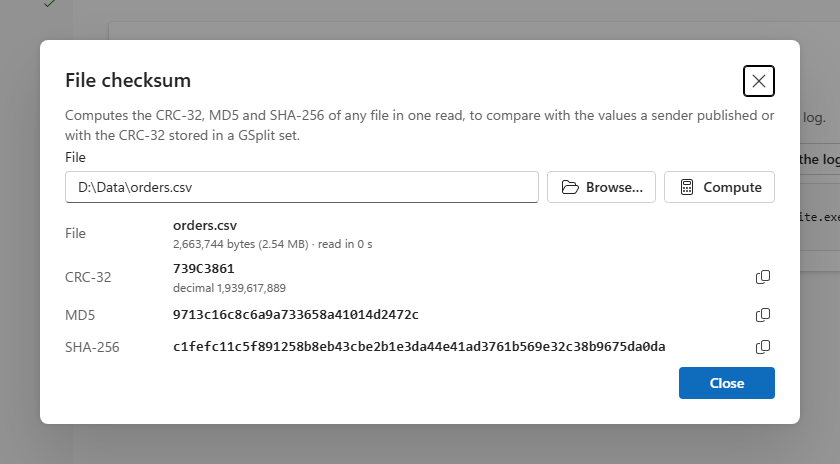
Check a File’s Fingerprint
Calculate CRC-32, MD5 and SHA-256 in a single read, then copy a value to compare with the sender’s checksum.
Explore this feature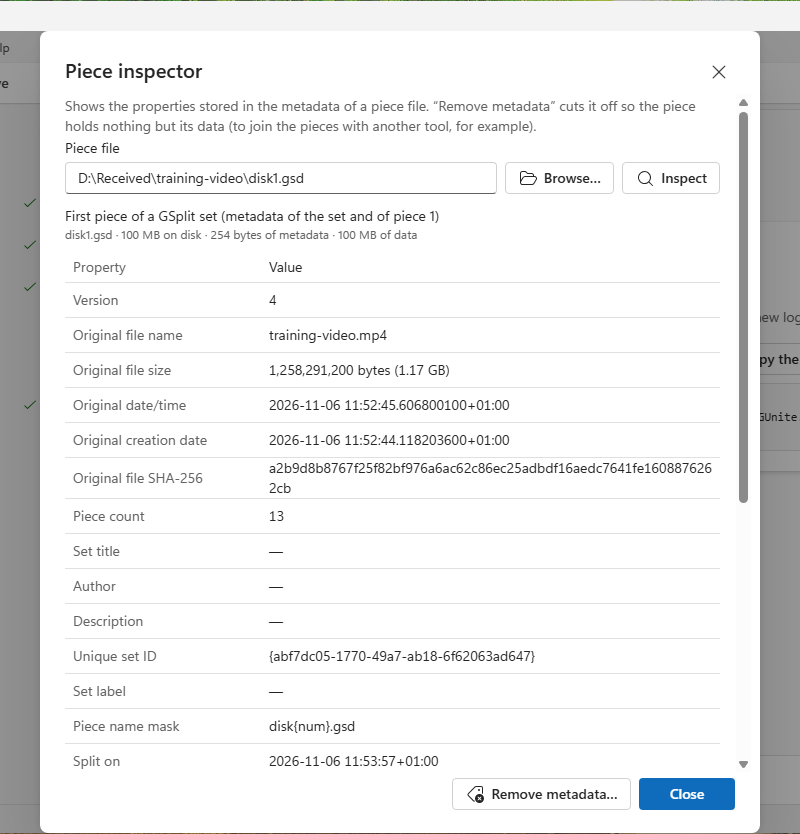 Enlarge screenshot
Look Inside a Piece
Read the original file name, set identity, piece number and checksums recorded in the piece metadata.
Explore this feature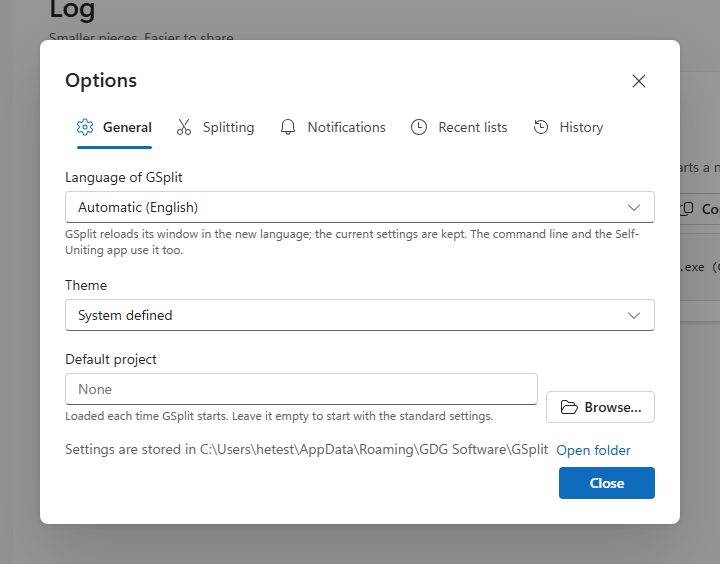 Enlarge screenshot
Make GSplit Yours
Choose the interface language and appearance, and manage your settings, history and portable setup.
Explore this featureTry It with Your Own Files
Free for personal and commercial use. Choose the installer or a portable edition.